Edges stay put
Window frames, walls, flooring seams, fireplaces, and built-ins should not drift between the original and staged image.
Drag to compare
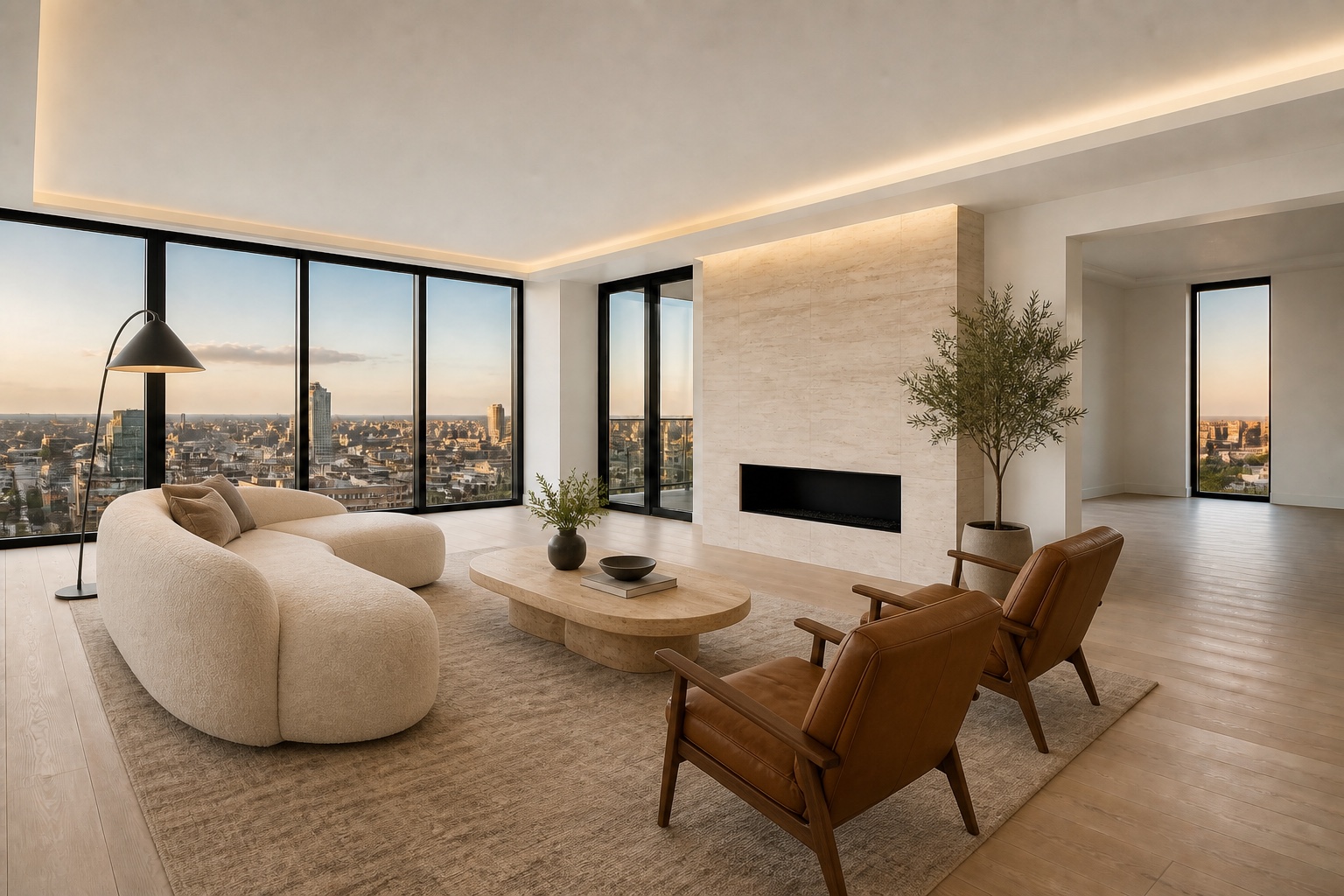
Judge a transformation by what it improves—and what it refuses to change. Compare an empty luxury room with its furnished marketing direction.
Check eligibility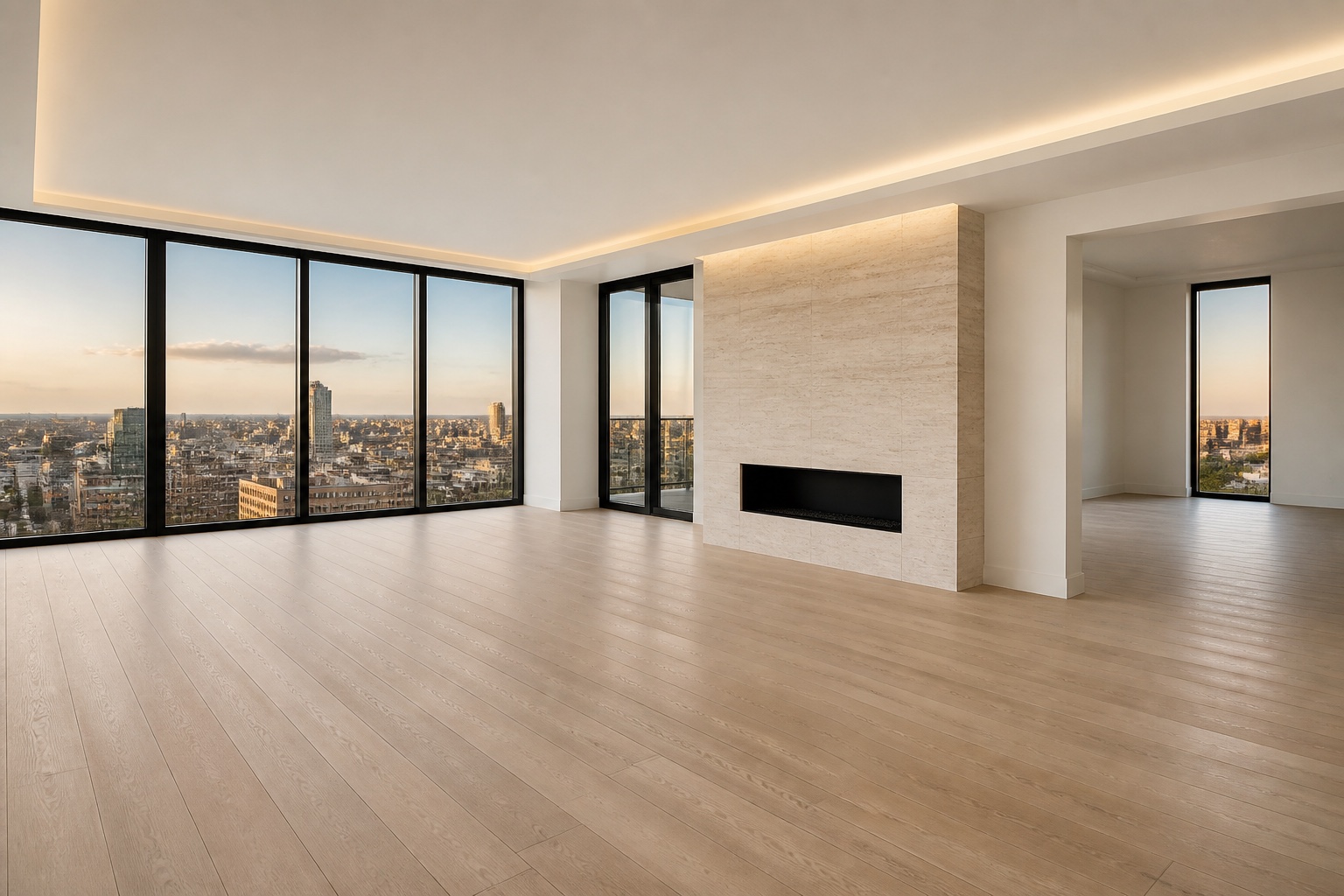 BeforeAfter
What changed
The staged direction adds an ivory sofa, camel leather seating, travertine, walnut, bronze accents, and restrained greenery. The windows, fireplace, flooring, ceiling, skyline, camera position, and room geometry remain the factual frame.
These are portfolio demonstrations rather than customer listings. They show the standard Scenado uses during review: believable perspective, proportionate furnishings, coherent light, and no invented renovation.
Window frames, walls, flooring seams, fireplaces, and built-ins should not drift between the original and staged image.
Sofas, tables, beds, and art should clarify proportion instead of making a compact room look artificially oversized.
Added furnishings should share the direction, softness, and color of the light already present in the photograph.
A second room type
A bedroom transformation should establish scale, circulation, and a clear focal point without crowding the image. Neutral bedding and a limited palette usually read more naturally in listing photography than elaborate decor.
Scenado reviews every preview for architecture, furniture intersections, distorted decor, inconsistent reflections, and obvious generation artifacts before an agent sees it.
Keep the source photo as the factual record and follow the disclosure rules of the applicable MLS and brokerage.
Watermarked previews let the agent reject a direction or request the included revision before unlocking a clean file.
Agent logos, contact details, and Scenado preview marks do not appear on clean MLS-ready exports.
Frequently asked
Start with permanent edges: windows, doors, walls, flooring, fireplaces, built-ins, and the camera viewpoint. If those move, the image may misrepresent the property.
No. They are clearly identified demonstration scenes with fictional agent branding. Real customer work will be published only with permission.
Yes. Approved paid images include one revision, and founding-agent projects receive previews before clean delivery.
Continue exploring
Upload the highest-resolution original and preview the transformation before you commit.
Start a virtual-staging project