Stage the strongest rooms
A focused set of three to five images can explain the property without making every photograph digitally furnished.
Give empty rooms purpose
Help buyers read scale, circulation, and function without moving physical furniture into the property.
Check eligibility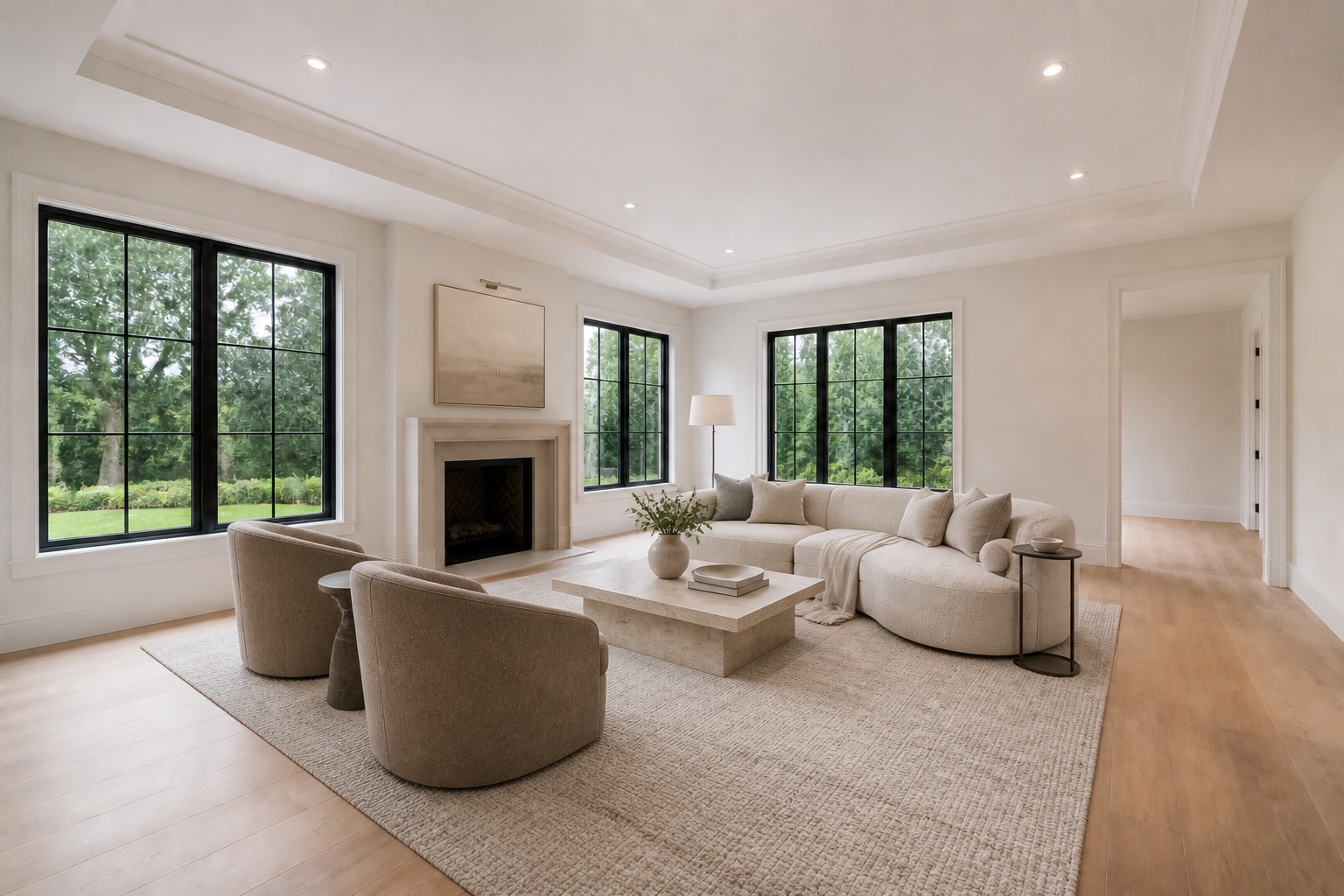
Why empty rooms stall
An unfurnished room may be clean and accurate, yet difficult to interpret on a phone screen. Without a bed, sofa, or dining table for reference, buyers can misread dimensions and overlook how the room connects to the rest of the home.
Virtual staging adds a useful visual reference while leaving the permanent property facts intact. It works especially well when a listing is vacant, the showing schedule is compressed, or physical staging would add coordination the seller does not need.
A focused set of three to five images can explain the property without making every photograph digitally furnished.
Walls, windows, doors, flooring, fireplaces, built-ins, and room proportions remain unchanged.
Retain the original image and follow the current labeling requirements of the listing’s MLS and brokerage.
Photo preparation
Send the highest-resolution originals available. Keep the camera level, avoid screenshots and heavy filters, and choose angles that show both floor and wall boundaries. Natural or evenly balanced interior light gives added furnishings a more credible foundation.
If the property is occupied rather than vacant, use the virtual furniture removal service to determine whether the existing room can be cleared and restaged responsibly.
Add one to ten original JPG, PNG, or WEBP listing photos.
Select modern, contemporary, or traditional and add room-specific notes.
Check furniture scale, architecture, shadows, and how the room reads at listing size.
Receive the clean high-resolution export and keep the original for disclosure.
Frequently asked
Prioritize the living room, primary bedroom, dining area, and any flex space that buyers may struggle to understand when empty.
No. Furnishings should clarify the existing proportions rather than stretch walls, raise ceilings, or alter the camera viewpoint.
Not necessarily. A selective set often tells the story more credibly while leaving useful original views throughout the listing.
Continue exploring
Start with the three photographs that matter most to the listing.
Stage a vacant home