Show scale and purpose
Give buyers a visual reference for furniture placement without the scheduling and transport required by physical staging.
Listing-ready visual marketing
Help buyers understand empty, dated, or difficult rooms with photorealistic virtual staging built for an active listing—not a design tool agents have to learn.
Check eligibility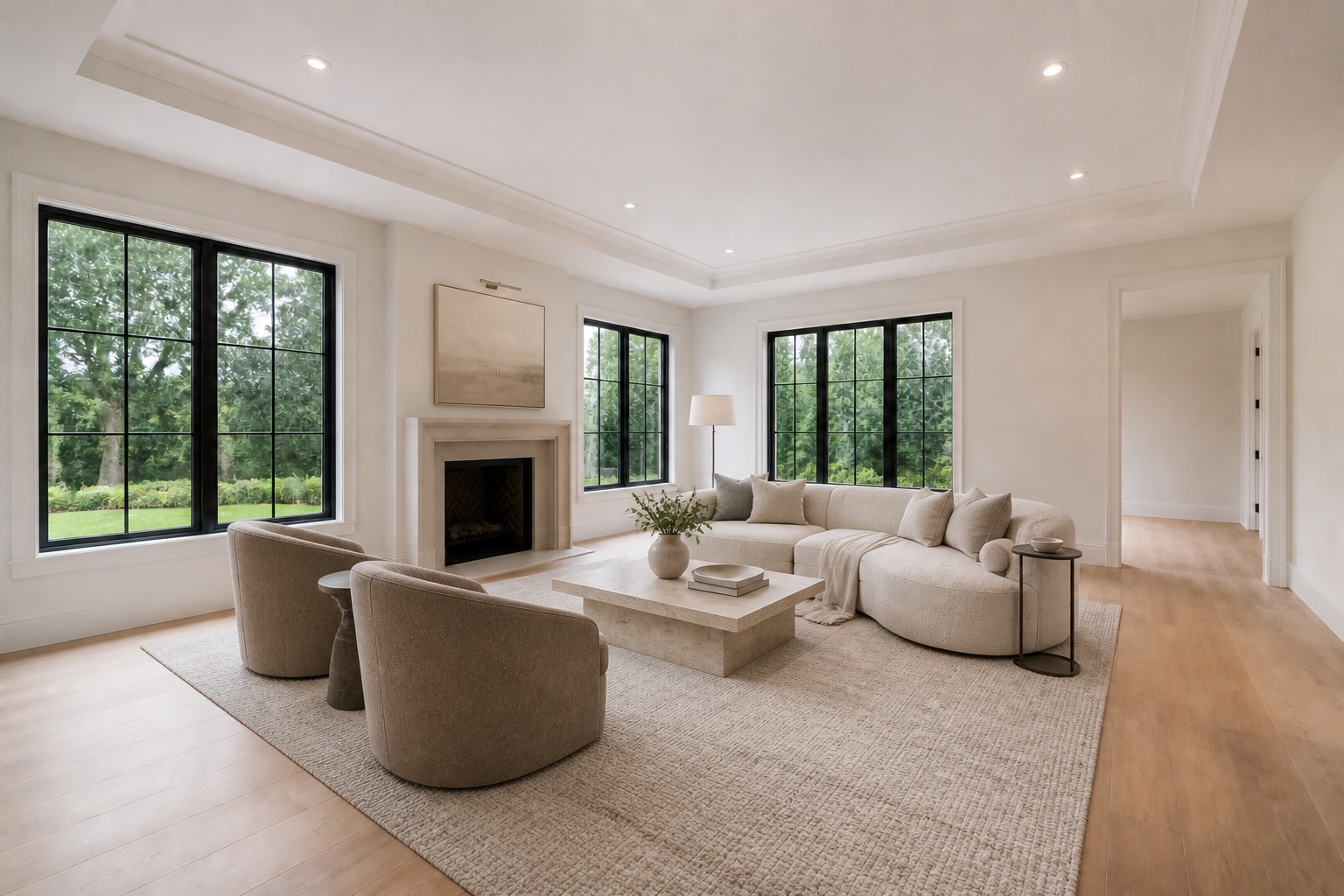
A service made for agents
Vacant rooms can feel smaller, colder, and harder to understand online. Scenado adds scale, function, and a coherent design direction while preserving the permanent architecture buyers will encounter at a showing.
Upload listing photos, choose a style, and tell us what matters. You receive watermarked directions first, then approve the image you want before clean delivery. That makes the process useful for solo agents, listing teams, photographers, and brokerages that need polished media without a long production cycle.
Give buyers a visual reference for furniture placement without the scheduling and transport required by physical staging.
Restyle rooms with dated or visually heavy furnishings while keeping the structure and camera viewpoint intact.
Carry one considered aesthetic across the strongest rooms, then turn selected images into an agent-branded reel.
Agent workflow
Scenado is designed around the moment between photography and launch. The source photo remains the factual record; the staged image helps communicate use, proportion, and lifestyle.
For best results, send the highest-resolution originals available, photographed straight and in even light. Include the room type, target buyer, desired style, and permanent details that must remain untouched.
Add one to ten JPG, PNG, or WEBP listing photos.
Select modern, contemporary, or traditional and add room-specific notes.
Review watermarked options with a human quality check.
Approve the strongest direction and receive the clean final file.
Frequently asked
Scenado’s pilot pricing starts with three qualifying images free for a verified founding agent, then $4.99 per approved image or $39.99 for ten. See the full virtual-staging pricing page.
Yes. A room can be visually cleared and restyled when the source photo is suitable. Review the virtual furniture removal service for best-photo guidance.
Rules differ by MLS. A transparent practice is to retain the original image and clearly disclose digital staging where required. Read our MLS virtual-staging guide and verify your local rules.
Continue exploring
Upload a room, choose a direction, and preview the transformation before you commit.
Start a virtual-staging project