Read the current MLS policy
Do not assume a rule from another market applies. Check the official policy or ask your broker or MLS support team.
Practical publishing checklist
Use digitally staged media to help buyers understand a room while preserving the facts of the property and following the rules that apply to your listing.
Read the agent checklist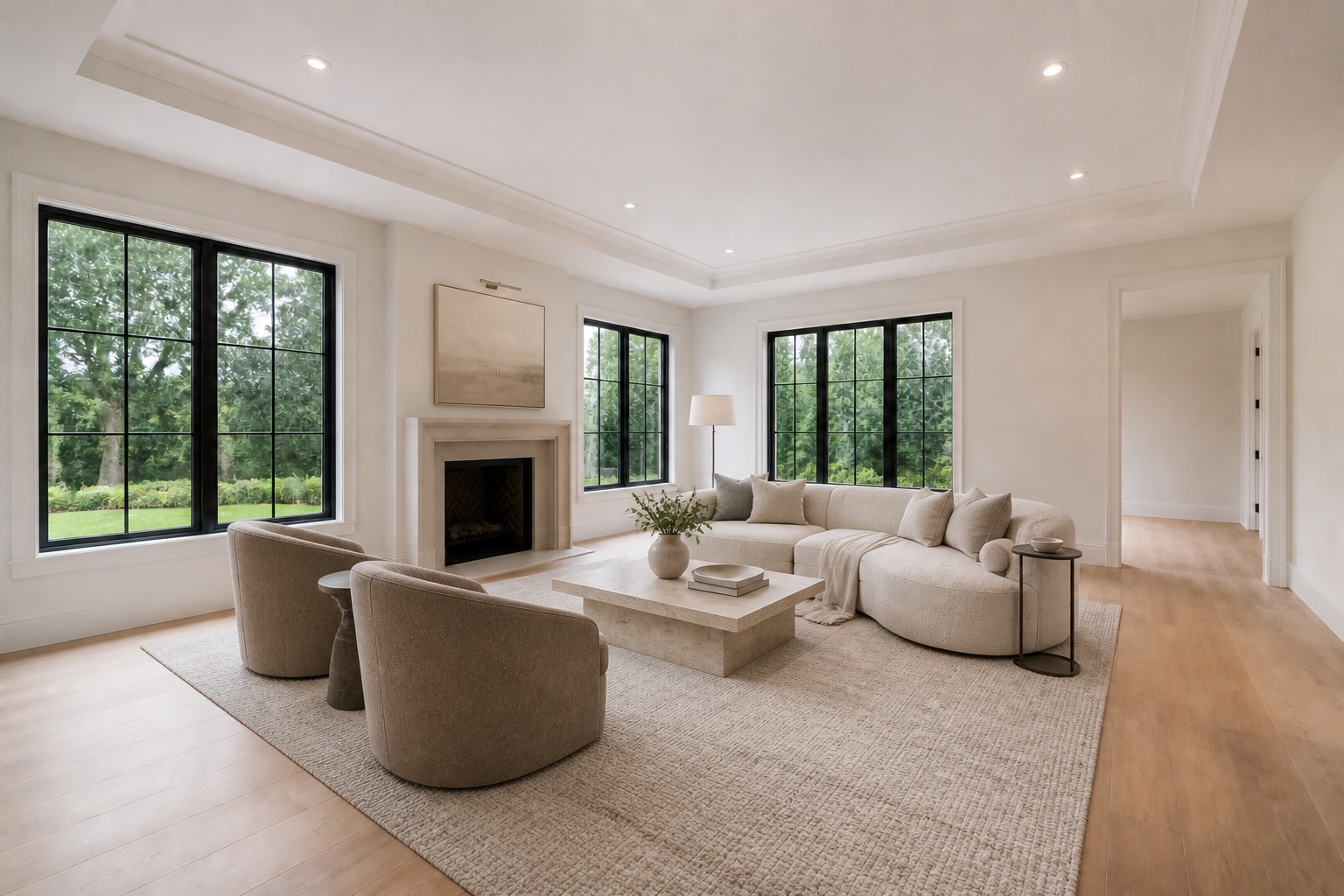
First principle
Virtual staging generally means adding or replacing movable furnishings and decor in a photograph. It should not be confused with digital renovation, object removal, sky replacement, or retouching that changes a material fact.
MLS policies are not uniform. Requirements can differ by market, brokerage, property type, and the kind of edit. This guide is a practical starting point, not legal advice or a substitute for the current rules of your MLS.
Five-point agent checklist
Do not assume a rule from another market applies. Check the official policy or ask your broker or MLS support team.
Use the exact disclosure format required in the image, caption, photo description, remarks, or other designated field.
Many agents publish the original adjacent to the staged version; some MLSs require it. Preserve the unedited source either way.
Confirm the edit did not add windows, change views, hide damage, replace finishes, or alter permanent construction.
Use clean listing images where promotional overlays are prohibited and separate branded versions for off-MLS marketing.
Keep a record of the original, staged file, instructions, and approval in the listing transaction file when appropriate.
Furnishing vs. alteration
Adding a sofa to an empty living room visualizes use. Removing a load-bearing column changes the home. Replacing tenant furniture may be permissible with disclosure, but hiding visible water damage is a materially different act.
If an edit goes beyond movable furnishings, describe it accurately and verify whether it may be published at all. Scenado’s virtual-staging service is designed around protecting permanent architectural features.
Sofas, beds, tables, chairs, rugs, lamps, art, plants, and removable decor.
Walls, windows, doors, floors, ceilings, millwork, fireplaces, fixtures, built-ins, and views.
Damage, stains, unfinished work, defects, and other facts buyers may reasonably rely on.
MLS staging FAQ
Many MLSs require a label, watermark, caption, remarks disclosure, or some combination. The correct format depends on the current local policy.
Policies vary. If the edit is permitted, disclose it as required and confirm that the reconstruction does not hide condition or alter permanent property features. See virtual furniture removal.
Many MLSs restrict branding and contact information in listing photos. Scenado delivers clean files for listing use and keeps branded media separate.
No provider can substitute for an agent’s knowledge of the rules governing a specific listing. Scenado supplies clean files and architecture-aware edits; the agent remains responsible for final review and compliant publication.
Related guidance
Scenado provides clean, high-resolution staged images and keeps agent branding for separate marketing versions.
Stage a listing photo