Finished originals
Send high-resolution images without screenshots, watermarks, heavy filters, or avoidable recompression.
Extend the photo package
Add a predictable staging option to the client conversation without turning your editing workflow into a furniture-design interface.
Test 3 qualifying images free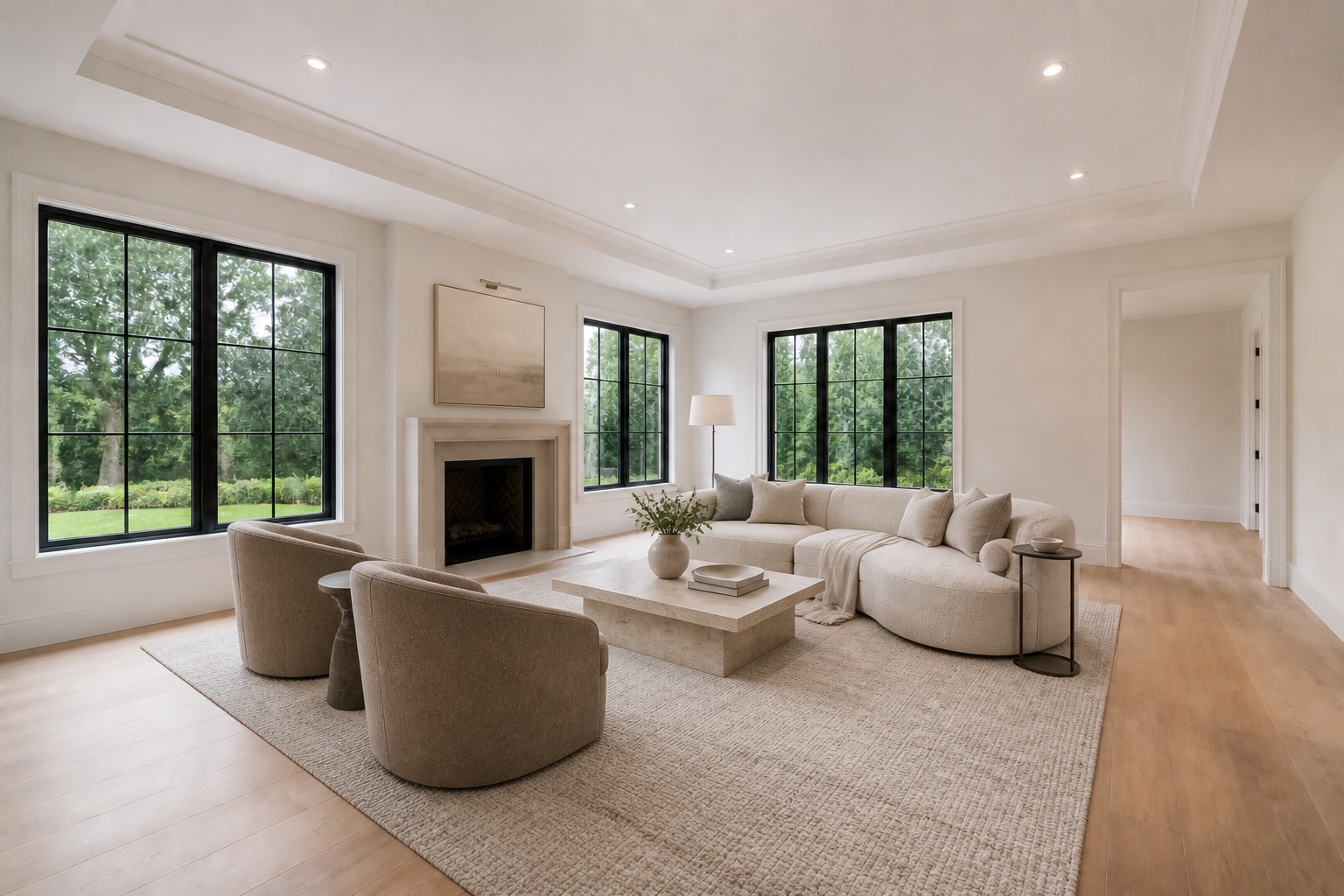
A clean handoff
Scenado begins with the photographer’s finished source image and treats its perspective, exposure, architectural lines, and composition as the fixed frame. Furniture is added to explain the room—not to redesign the building or overwrite the photographic work.
Photographers can submit on behalf of a listing team when they have permission to use the files and the agent’s delivery details. Clean approved exports arrive without Scenado or promotional branding; agent-branded versions remain separate marketing assets.
Send high-resolution images without screenshots, watermarks, heavy filters, or avoidable recompression.
Room notes and a shared style choice help the finished set read as one property rather than unrelated images.
Approved listing exports remain unbranded, while promotional versions and reels can carry agent identity separately.
Photograph for staging
For vacant rooms, show clear wall and floor boundaries with a level camera and balanced light. For occupied-room removal, capture enough visible surface around furniture to support credible reconstruction. Extreme wide-angle distortion and blocked backgrounds reduce what can be inferred safely.
When a source image cannot support a reliable edit, Scenado will flag it instead of pushing an artifact-filled preview into a client delivery.
Walls, windows, doors, flooring, fireplaces, built-ins, fixtures, and room proportions.
Perspective, intersections, reflections, lighting direction, furniture scale, and repeated generation artifacts.
High-resolution clean exports for approved images plus optional vertical reels from the strongest stills.
Frequently asked
Use the high-resolution final photograph before any platform-specific resizing. Avoid screenshots, visible watermarks, and aggressive filters.
No. Clean approved listing exports are unbranded. Watermarks appear only on previews, and agent branding is reserved for separate marketing versions when requested.
Yes. Submit the room set together and use the notes field to define the intended buyer, palette, and features that must remain consistent.
Complete the package
Use a current or portfolio-ready photo set you are authorized to submit.
Start a photographer project